XeedArmorComplete security for web servers and sites
Security suite for servers: malware, integrity, vulnerabilities, reputation, firewall, and quarantine in one place so you see the state and act. Works with cPanel, Plesk, and DirectAdmin — and on servers without a control panel.
The server security suite your team understands on the first visit.
For people and companies that run servers with websites and need professional protection on the machine — with a control panel or without one.
What changes
Security arrives as five tools and zero narrative
Customers discover the malware, bots hammer logins, and support opens log screenshots without knowing where to start.


XeedArmor
Complete security for the server.
Malware, web firewall, and reputation in one place: isolate, explain, and show what to do.
See how it worksBenefits
Why teams choose it
Scan on upload, scheduled analysis, and explained quarantine — before redirects or site damage.
Application firewall, anti-bot challenge, and bad-reputation IP blocks, without breaking legitimate shops or APIs.
One place: overview, unified logs, and diagnostics with how to fix in support language.
It integrates with cPanel, Plesk, or DirectAdmin — and protects the same on servers without a control panel.

Method
How it works
- See the overview in one place
Protection status, indicators, and the attention list with a direct action.
- Isolate and understand
Quarantine first: clear explanation, safe preview, and a human decision to restore or exclude.
- Tune without turning it all off
Surgical exclusions, firewall profiles, and observe or protect modes per server.
What it does
In short
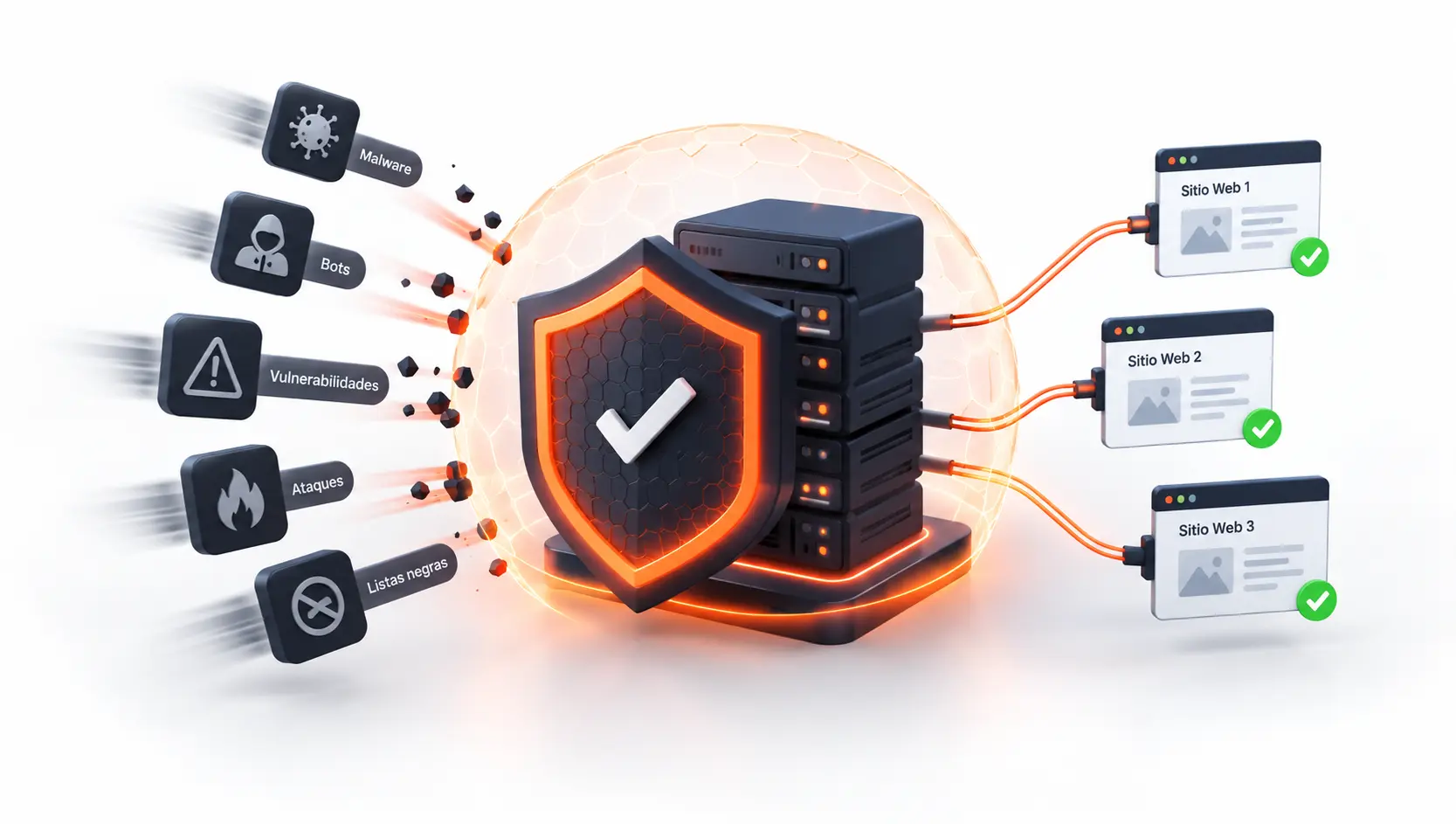
Scan on file upload and scheduled scans. Clear metrics: clean, ignored, or quarantined.
Isolated files with a human explanation, safe preview, and restore that requires a logged reason.
Standard and Strict profiles, exclusions by domain, path, or IP — without turning global protection off.
Human challenge on sensitive routes. Observe or enforce mode, built for shared or dedicated sites.
Who it is for
Typical cases
One or several machines: malware, firewall, and reputation in a clear flow, with human-in-the-loop actions.
Protection lives on the server and is operated from a panel the team understands — without a second opaque console.
The same security suite standalone: see, detect, and respond without depending on cPanel or another panel.

Official site
Buy or try XeedArmor
This page explains the product. Purchase and access live on the official site.
Official product site
View productTrust
Why trust this
Isolate, explain, decide. Automatic deletion is not the default.
Malware, firewall, integrity, and reputation in one flow — without piecing together five loose tools.
Restore, ban, accept risk, or suspend require a human decision. Auto-suspend ships off.
FAQ
Frequently asked questions
Does it need cPanel or another panel?
No. It works with cPanel, Plesk, and DirectAdmin, and also on servers without a control panel.
Does it delete files on its own?
Not by default. It quarantines and explains why. Restore requires a logged reason.
Does it break legitimate sites?
You can start in observation, use the Standard profile, and exclude by domain, path, or IP without turning protection off.
Does it work on shared or dedicated servers?
Yes. It is built for the machine: accounts, risk, and human-in-the-loop actions.
What if the interface does not load?
Server protection is designed to stay active even if the interface is briefly unavailable.
Shall we talk about your case?
If you want to see the suite on a test server — with a panel or without one — we will set it up and walk the flow with your team.